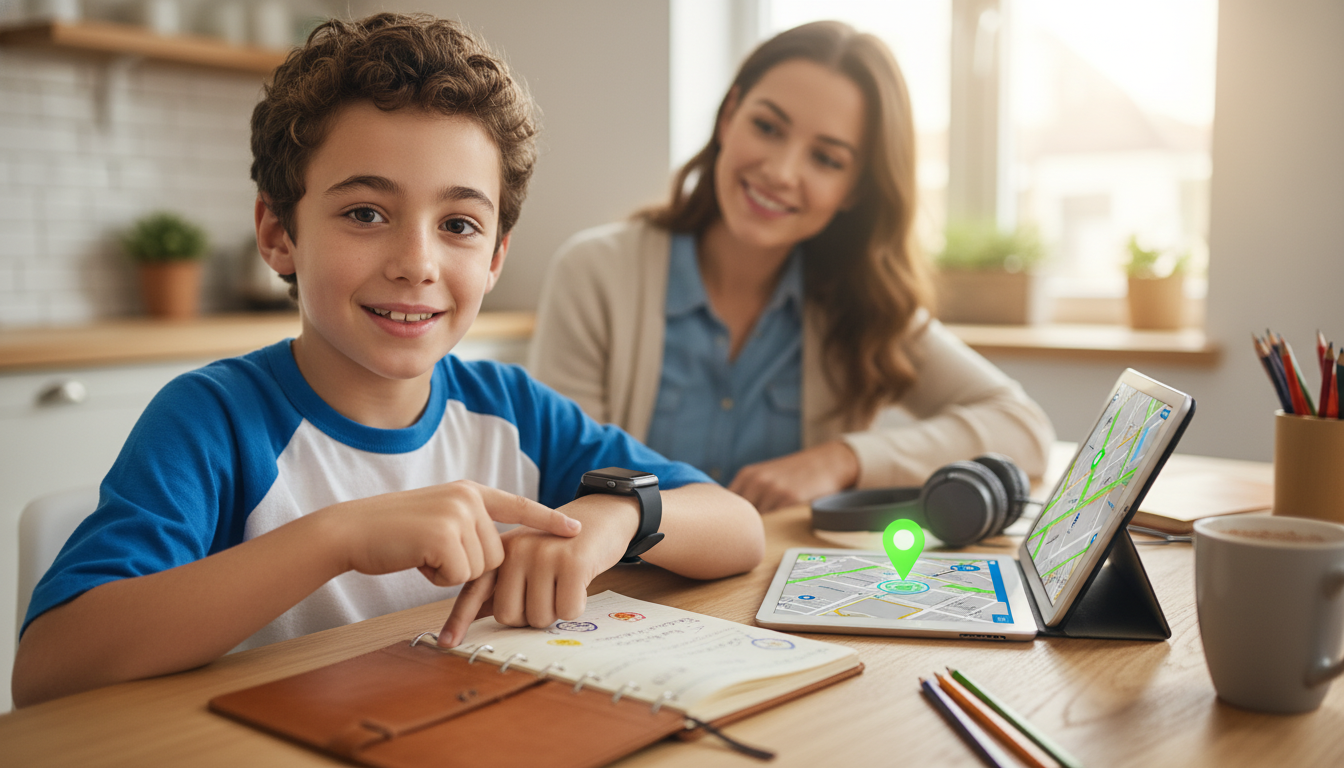
A kids’ smartwatch can be a helpful bridge between “no phone” and full smartphone access—especially when safety, communication, and routines matter. The best choice depends on the child’s age and independence level, plus the watch’s location accuracy, calling controls, privacy protections, battery life, and how well it fits daily life (school rules, sports, and charging habits). This guide breaks down the features that matter most, common pitfalls, and a simple way to compare options before buying.
Before comparing brands or features, define what the watch needs to do in real life. Is it for an emergency contact option, quick after-school check-ins, location awareness on outings, or practicing independence without handing over a smartphone?
Set expectations early. GPS can be less precise indoors, and calling features may be limited by school policies or spotty coverage. Write down “must-haves” versus “nice-to-haves.” For many families, an SOS button and contact whitelist are non-negotiable, while games and flashy extras are optional. Also consider who will manage it: most watches require a parent app for contact approval, geofence alerts, and firmware updates.
If the watch is uncomfortable or gets a teacher complaint, it won’t last long—no matter how good the specs look. Smaller wrists usually need a lighter watch, a softer strap, and a clasp that stays secure during playground movement. Durability matters too: a scratch-resistant screen and reinforced casing can prevent “one-week” breakage.
Water resistance is another common pain point. Some watches handle handwashing and rain, while others can survive pool time. Don’t guess—check the rating and the brand’s wording on swimming use. Finally, look for a schedule-based school mode (quiet time) so the watch can be worn without becoming a classroom distraction.
| What to check | Why it matters | Parent tip |
|---|---|---|
| Weight and thickness | Heavy watches get removed or “lost” | If it feels bulky to an adult, it’s likely too much for a young child |
| Strap material and clasp | Skin irritation and accidental unfastening | Choose hypoallergenic straps; keep a spare strap if available |
| Water rating clarity | Avoid false assumptions about swim safety | Confirm whether pool/ocean use is allowed before buying |
| School mode / quiet times | Reduces disruptions and teacher complaints | Set schedules for weekdays and extracurriculars |
| Charging method | Daily routine success depends on easy charging | Prefer simple docks or magnetic charging the child can handle |
Kids’ smartwatch location is usually a blend of signals: GPS works best outdoors, Wi‑Fi positioning helps indoors, and cellular triangulation fills gaps when signals are weak. That mix is why accuracy can change dramatically depending on where your child is—dense buildings, malls, buses, and stadiums can all reduce precision.
Look for devices with clear update practices and a track record of firmware support. Also verify data deletion: you should be able to remove a child profile, wipe location history, and delete recordings without a fight. If a brand’s policy suggests advertising, profiling, or ambiguous “partner sharing,” consider a more privacy-forward option. For additional guidance, review the FTC’s resources on kids’ privacy (https://www.ftc.gov/business-guidance/privacy-security/children-privacy) and family-oriented tech advice from Common Sense Media (https://www.commonsensemedia.org/parenting). For broader security hygiene, NIST’s cybersecurity resources are a solid reference (https://www.nist.gov/cybersecurity).
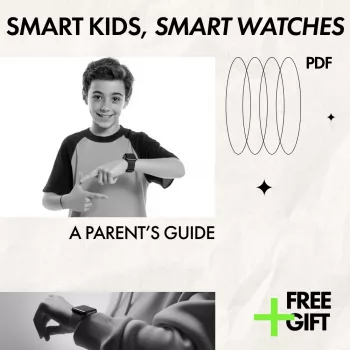
If you want a simple, reusable checklist for comparing models without getting buried in specs, keep Smart Kids, Smart Watches: A Parent’s Guide (Digital Download) on your phone while you shop. It’s most helpful right before purchase—verifying GPS method, SOS behavior, whitelists, school mode, and privacy settings—and again after purchase when you’re tightening contacts, scheduling quiet times, and tuning location alerts.
For families who also want calmer routines and fewer daily power struggles around tech boundaries, the Stay Calm Within Mindful Parenting System – 4-in-1 Bundle for Parents can complement the smartwatch transition by helping you set consistent expectations and reset routines when the novelty wears off.
Many kids’ smartwatches need a parent’s phone for initial setup and ongoing monitoring through a companion app. The watch itself may still handle calling and location features if it has a cellular plan, while Wi‑Fi/Bluetooth-only models usually have more limited standalone functionality.
Accuracy depends on whether the watch is using GPS (best outdoors), Wi‑Fi positioning (often better indoors), or cellular triangulation (helpful when signals are weak). Indoor spaces, dense buildings, and moving vehicles can reduce precision, so it’s smart to test the watch in your child’s most common locations.
Start by enabling a contact whitelist and blocking unknown callers and messages. Next, set school mode schedules, secure the parent account with a strong password (and two-factor authentication if available), and limit or disable microphone/camera/assistant features and location-history retention where possible.




Leave a comment