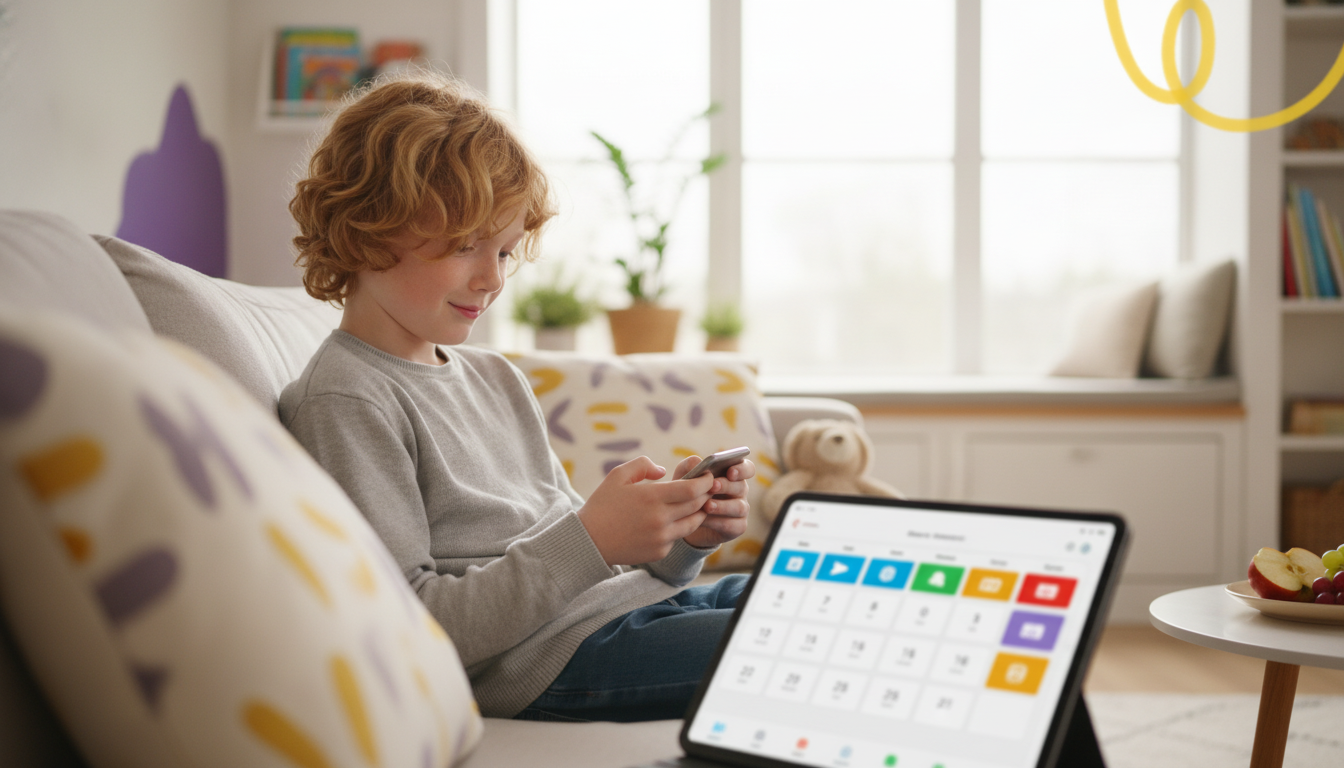
Smart screen time isn’t about “less tech.” It’s about using technology on purpose—so kids can enjoy shows, games, and apps without sacrificing sleep, school responsibilities, movement, and family connection. When screen use becomes predictable and consistent, it’s easier to enforce and easier for kids to follow. Adding a simple AI-assisted routine can help turn daily debates into a plan everyone understands. For more guidance, see Screen time and children: How to guide your child – Mayo Clinic.
A balanced tech routine comes from three practical levers: content quality (what they’re using), context (when and where they’re using it), and intent (why they’re using it). A 30-minute video chat with grandparents and 30 minutes of autoplay clips don’t land the same way, even if the timer says they “count” equally. For further reading, see Digital Parenting: Balancing Your Family’s Screen Time.
Healthy patterns tend to stick better than strict bans. Most families do best with a few clear device-free anchors—meals, bedtime, and focused schoolwork blocks—plus a routine that makes screen time feel like a normal part of the day instead of a constant negotiation.
A simple definition: smart screen time supports a child’s goals (learning, creativity, and connection) without replacing sleep, physical play, and in-person relationships.
| Situation | Better Choice | Simple Rule to Apply |
|---|---|---|
| Homework on a tablet/laptop | Single-task study + short breaks | Use a timer: 25 minutes work / 5 minutes break; entertainment only after completion |
| After-school downtime | Movement first, then screens | Snack + 15–30 minutes outside before any games or videos |
| Evening family time | Shared activity or co-viewing | Screens off during dinner; choose one shared show/game if time allows |
| Bedtime routine | Wind-down without blue-light stimulation | Screens off 60 minutes before bed; swap to reading, music, stretching |
| Long car rides | Planned media blocks | Pre-download content; alternate 30–45 minutes screens with breaks/activities |
| Goal | Prompt | What to Check Before Using |
|---|---|---|
| Build a weekly schedule | Create a weekly screen time schedule for a child aged [X]. Bedtime is [time], wake time is [time]. Include school, homework (about [minutes]), chores ([minutes]), activity time, and screen categories (learning/creative/social/gaming/video). | Make sure sleep and meals are protected; confirm screen blocks don’t exceed your family limits |
| Create category limits | Suggest daily and weekly limits for learning, creative, social, gaming, and passive video for age [X], with a short reason for each limit. | Ensure suggestions match your pediatric guidance and your child’s maturity |
| Write a family agreement | Draft a one-page family screen agreement with: allowed times, no-screen zones, consequences, earning privileges, and a weekly reset rule. Keep it friendly and clear. | Confirm consequences are realistic, consistent, and not overly punitive |
| Handle common conflicts | Provide scripts for calm enforcement when a child argues about screen time, including choices and a brief explanation. | Keep scripts short; avoid lectures; align with your household rules |
Across ages, the most helpful constants are: a screen-free bedtime buffer, device-free meals, and a daily movement requirement before entertainment screens. For sleep needs by age, use the CDC’s guidelines as a reference point and build the schedule backward from bedtime: CDC — How Much Sleep Do I Need?.
| Stage | Best Focus | Practical Guardrail |
|---|---|---|
| Early elementary | Routine + co-viewing | Short blocks; screens only after play/reading; devices stay out of bedrooms |
| Late elementary / tween | Independence with limits | Clear app rules; entertainment only after homework/chores; weekly family check-in |
| Teen | Sleep + distraction control | No phone overnight; set downtime hours; encourage self-monitoring and goal-based limits |
Families often do best with a repeatable system: a weekly planner, age-based guardrails, category limits, and short scripts for common conflicts. For a structured, easy-to-revisit resource, consider the digital guide How Smart Screen Time Helps Kids Balance Technology and Life | Digital Parenting Guide | How to Use AI to Create Screen Time Schedules | AI Parenting eBook.
If screen-time arguments are part of a bigger stress cycle, a broader skills approach can help parents stay consistent without escalating. The Stay Calm Within Mindful Parenting System – 4-in-1 Bundle for Parents is an option for families who want tools for boundaries, communication, and calm follow-through.
And since movement often makes screen limits easier to accept, a simple at-home activity plan can reduce the “nothing else to do” feeling. The Home Cardio Blast Checklist | Instant Digital Download for Effective Cardio Workouts at Home can support a “move first, then screens” routine.
Use pediatric guidance as a starting point, then adjust based on whether sleep, schoolwork, movement, and relationships are staying healthy. Content quality and behavior matter as much as minutes—interactive learning and creative tools typically have a different impact than passive scrolling or autoplay videos.
AI can draft a realistic weekly schedule, generate category limits, and produce short “if-then” rules and calm scripts so enforcement is consistent. Parents still set the values and boundaries, and the plan works best when reviewed and personalized each week.
Protect sleep with a consistent screen-free buffer (often 30–60+ minutes), charge devices outside bedrooms, and use a calming routine like reading, music, or stretching. Even when daily limits vary, bedtime boundaries tend to deliver the biggest benefits.







Leave a comment