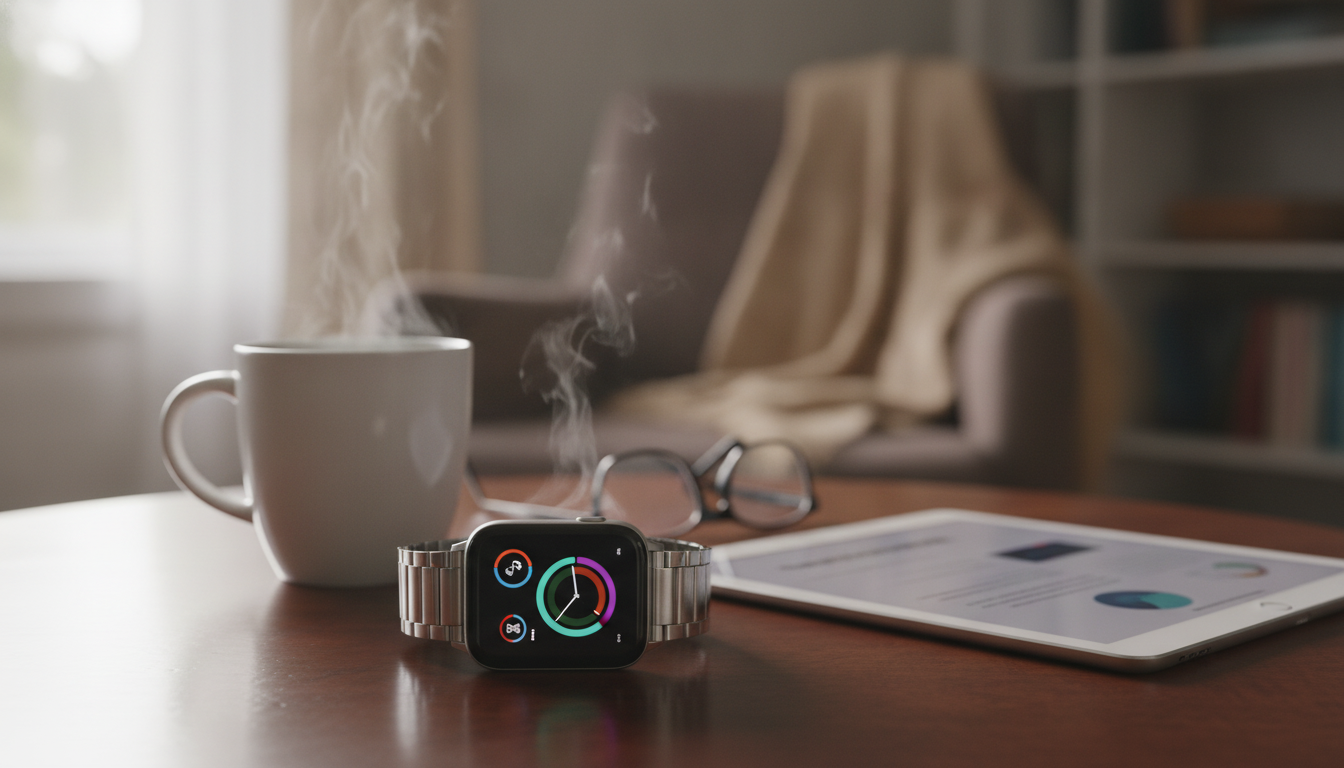
Some smartwatch upgrades genuinely make day-to-day life smoother—others inflate the price without improving how the watch feels, reads, or performs. The best value usually comes from a handful of basics done exceptionally well: comfort, a readable screen, dependable notifications, sensors that stay consistent during movement, and a battery routine that fits real life. Use the guide below to focus on features that pay you back every day, spot common “nice on paper” add-ons, and choose capabilities that match how you actually work out, travel, and communicate.
Weight, case thickness, and button placement can decide whether a watch becomes a daily tool or a drawer item. If the case is bulky or the crown digs into the back of the hand during push-ups or typing, the best sensors in the world won’t matter. Band options also matter—especially for skin sensitivity. Silicone can trap sweat for some people, while nylon and breathable sport loops often feel better for all-day wear.
A bright screen that stays legible in direct sun is worth paying for, especially if you run, hike, or commute outdoors. At night, look for a comfortable dim setting and a predictable wake gesture. A responsive touch layer (and at least one reliable physical control) keeps the watch usable when hands are sweaty or gloves are on.
Reliable vibration strength, clear previews, and usable controls (dismiss, mute, quick replies when supported) reduce phone checking. A watch that drops alerts or delays syncing becomes frustrating fast, even if everything else looks premium.
Some people are fine charging nightly; others want 2–7 days so they can track sleep consistently and travel without packing yet another charger. Decide your charging tolerance first, then compare models within that lane.
Confirm your phone OS is supported and check limitations around messaging replies, voice assistants, and third-party apps. A watch can be “great” in reviews and still feel incomplete if key features are restricted on your phone.
Once the basics are solid, a few upgrades tend to deliver real, repeatable value:
| Feature | Worth paying more when… | Often optional when… |
|---|---|---|
| Built-in GPS | Runs, hikes, cycling, or outdoor training happens weekly | Workouts are mostly indoor or phone is always carried |
| Advanced heart-rate sensor | Intervals, sports, and recovery tracking are priorities | Only casual step counting is needed |
| Sleep tracking + insights | Sleep habits are being improved and trends are monitored | Sleep data is rarely reviewed or acted on |
| NFC payments | Wallet-free errands and commuting are common | Cards/phone are always on hand |
| LTE/Cellular | Leaving the phone behind happens often; safety/communication matters | Phone is always nearby and tethering is fine |
| Rugged build (glass/bezel) | Work, travel, or outdoor use is hard on devices | Primarily desk/office use |
Sleep stages and readiness scores can be helpful when they’re consistent and paired with explanations. Treat single-night scores as signals, not verdicts. For blood oxygen and ECG features, follow device instructions carefully and keep expectations realistic; they’re supplemental indicators, not diagnoses. For general consumer guidance on wearables and health tools, the U.S. Food & Drug Administration offers helpful context, and the Mayo Clinic explains pulse oximetry basics and limitations.
Smartwatches collect sensitive data—health signals, location, and daily routines. Review what the companion app collects, what’s optional, and whether cloud sync is required. Location sharing and safety features can expose patterns, so use sharing controls and limit background permissions when possible. Periodically audit connected third-party apps and revoke access you no longer use. Longer software support generally improves security over time; the NIST Privacy Framework is a useful reference point for understanding privacy-by-design concepts in everyday products.
If you want a quick, feature-first reference while comparing options, Smartwatch Smarts: Features Worth Every Penny | Smart Buying Guide to Smartwatch Features Worth Paying For | Digital eBook Download helps separate daily essentials (comfort, battery, reliable sensors, notifications) from upgrades that only matter for specific routines. It’s especially useful when upgrading from an older watch and trying to avoid paying extra for features that won’t get used.
For anyone building better training consistency alongside wearable tracking, Home Cardio Blast Checklist | Instant Digital Download for Effective Cardio Workouts at Home pairs well with smartwatch habit-building—simple plans are often the fastest way to turn data into action.
Prioritize comfort, dependable notifications, and battery life that fits your charging habits. Then add reliable heart-rate tracking and built-in GPS if outdoor workouts are common; payments and cellular are best when they noticeably change daily routines.
It’s often optional if you always carry your phone, since the watch can use the phone’s GPS. Built-in GPS becomes more valuable for convenience and reliability when you run, hike, or cycle and don’t want a phone in your pocket or armband.
They’re most useful for trends over time rather than treating one night’s score as precise. Consistent wear and looking for patterns—like bedtimes, wake times, and recovery changes—make the data more actionable.







Leave a comment