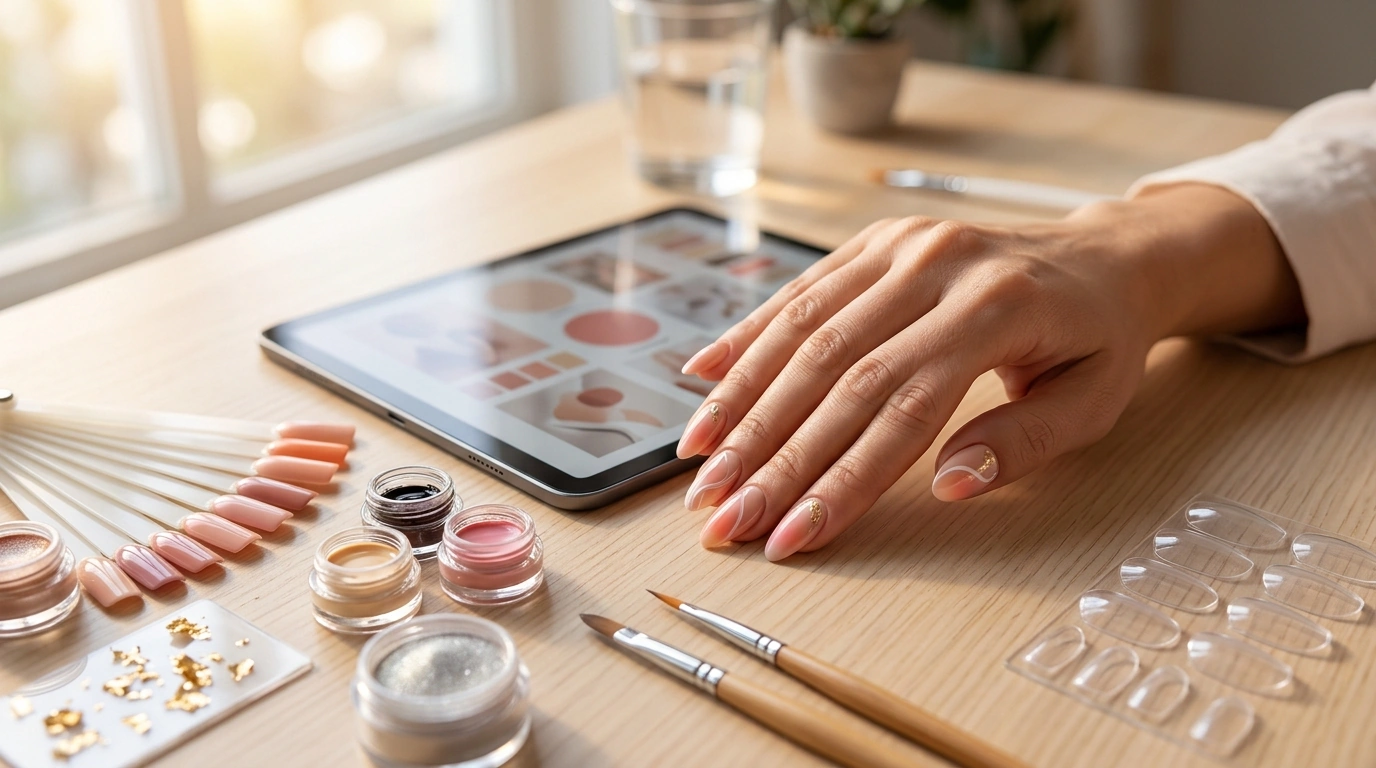
Custom nail sets get easier to plan when design concepts, color palettes, and reference images can be generated on demand. A guide-focused approach helps turn a vague vibe (seasonal, editorial, minimal, maximal, character-inspired) into clear, repeatable design directions that can be adapted for gel, acrylic, press-ons, or hand-painted details—then refined into client-ready options. For more guidance, see Your Ultimate Guide to the AI Nail Art Design App – Maxx Report.
Digital concepting shines when speed and variety matter, especially before committing time to a full set. Instead of scrolling for hours, you can explore multiple looks that stay consistent with the client’s preferences and your technique comfort zone.
Different tools support different parts of the workflow: generating a look, refining it into something wearable, and presenting it in a professional way. For official references on capabilities and features, visit Midjourney Documentation, OpenAI DALL·E, and the Canva Help Center.
| Stage | Best for | Output you can use | Notes for nail realism |
|---|---|---|---|
| Concept image generation (MidJourney) | Bold style exploration and editorial looks | Mood references, motif placement ideas | Call out nail shape/length and avoid impossible reflections or extra fingers in hands |
| Concept image generation (DALL·E) | Clean, illustrative, and accessible variations | Simple motifs, colorway testing, theme exploration | Request clear nail counts and single-hand close-ups |
| Layout & client boards (Canva) | Menus, inspo collages, appointment previews | Printable boards, social posts, booking add-ons | Use consistent lighting and crop to show accent nail details |
The fastest way to get usable visuals is to write instructions like a nail tech: start with the physical reality of a hand, then layer in theme, palette, and techniques. This also makes it easier to recreate a design consistently across multiple clients or press-on batches.
Not every color combo that looks great on a screen translates cleanly onto ten nails. Sets read best when each shade has a job—base, tip, accent, and detail—so the result stays crisp instead of muddy.
| Palette | Best finish | Great for | Suggested accent |
|---|---|---|---|
| Milky neutral set (ivory/blush/taupe) | Gloss or satin | Bridal, office-friendly | Gold foil or pearl dots |
| Monochrome graphic (black/white/grey) | Matte + chrome detail | Minimal linework, modern French | Chrome stripe or micro-rhinestones |
| Jelly aura (pink/lavender/pearl) | Gloss jelly | Trendy soft glam | Pearl shimmer topcoat |
| Emerald luxe (emerald/champagne) | Velvet or gloss | Holiday, evening looks | Fine glitter fade or metallic cuticle cuff |
They work best as concept references for palette, placement, and overall vibe rather than exact replicas. Always translate the idea into achievable techniques and double-check for common image artifacts (odd finger counts, warped cuticles, impossible shine lines) before treating it as a blueprint.
Specify nail shape and length, finish (gloss/matte/chrome/velvet), and request a single-hand close-up with a clear nail count. Add constraints like clean cuticles, neutral background, consistent studio lighting, and “no text/logos/jewelry/no extra fingers” to keep results usable.
Adjust the length and reduce bulky 3D elements for clients who type, work with tools, or need low-maintenance wear. Offer subtle/medium/bold versions of the same theme so the client can choose the impact level without changing the core design.



Leave a comment