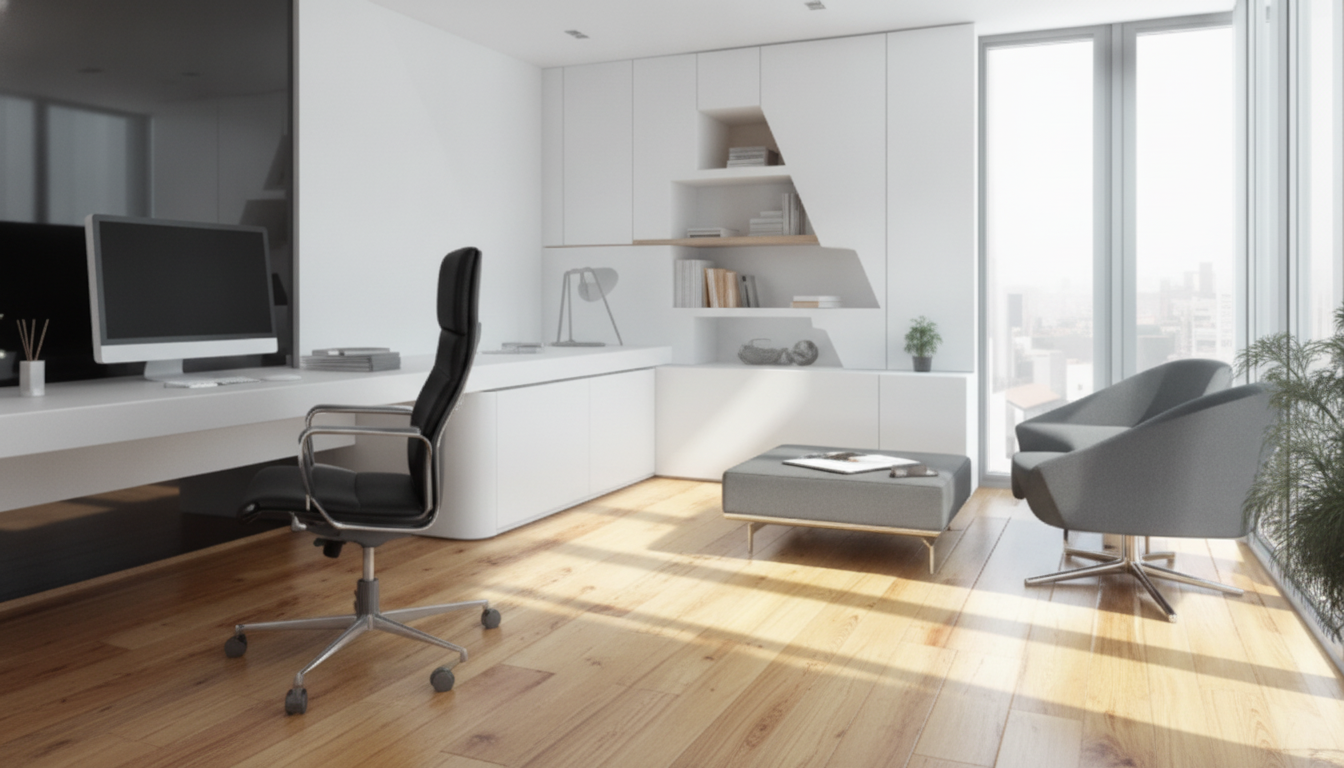
Blending a home office into a living room, bedroom, or dining nook can feel like a constant compromise—either work takes over the home, or comfort wins and productivity slips. The goal is a space that signals “focus” during work hours and “off-duty” afterward, even if it’s the same square footage. Below are practical layout options, zoning tricks, lighting and acoustics upgrades, and simple daily habits that keep both functions working together without visual clutter or mental spillover.
Before buying a desk or rearranging furniture, define what the space must do—and what it must not disrupt.
Small-space success often comes down to choosing a layout that keeps circulation clear and makes it easy to “close” the office mentally and visually.
| Layout | Best for | Watch-outs | Easy upgrade |
|---|---|---|---|
| Wall office | Narrow rooms and shared living rooms | Glare from windows; cables along baseboards | Add a cable raceway + monitor riser |
| Corner command | Studios and bedrooms with limited walls | Corners can feel dim | Bright task lamp + light wall paint behind desk |
| Behind-the-sofa | Open-plan living rooms | Chair clearance and screen visibility to TV | Use a low-profile chair + privacy screen |
| Cloffice | Hiding work after hours | Ventilation and heat; limited depth | Small fan + pegboard for vertical storage |
| Mobile workstation | Occasional work, flexible rooms | Less ergonomic if improvised | Docking station + folding monitor stand |
Zoning is the fastest way to make one room feel like two. The trick is stacking small cues so your brain recognizes “work mode” and “home mode.”
Ergonomics doesn’t require a corporate-looking setup. A few adjustments prevent the neck/shoulder tension that makes working in small spaces feel twice as tiring. For workstation fundamentals and posture guidance, reference the NIOSH ergonomics resources.
If you want a step-by-step sequence with layout ideas and zone templates, Combining Living and Working Areas | Home Office Design Guide eBook is built specifically for small-space setups where work and home must coexist.
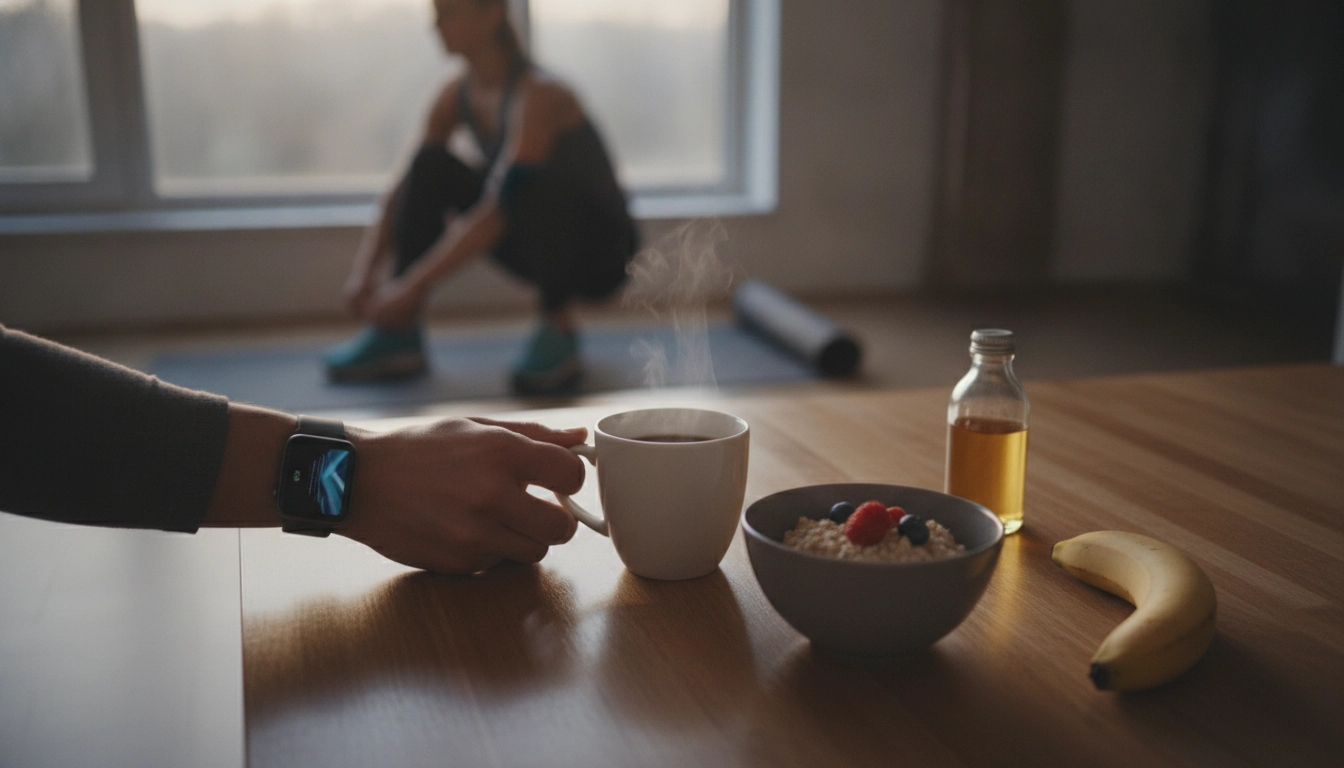
For movement breaks that don’t require extra room, a quick routine can keep energy up between calls—pair your setup with Home Cardio Blast Checklist | Instant Digital Download for Effective Cardio Workouts at Home and use it as a short “reset” before transitioning back to your living space.
Use zoning cues like a small rug, a divider (plant, screen, or curtain), and distinct lighting so the desk reads as a separate “work island.” Closed storage, cable containment, and a shutdown box make it easy to visually reset the room at the end of the day.
Place the screen perpendicular to windows to avoid glare, use an adjustable task lamp for even face lighting, and keep one consistent backdrop (a tidy shelf or simple wall). Add soft furnishings to reduce echo and keep the camera at a stable, eye-level angle with a riser.
Create predictable cues and boundaries: start with a “work-on” ritual (lamp on, timer set) and end with a reset (shutdown box packed, warm lighting switched on). During focused blocks, keep leisure items out of reach so the room supports the task you’re doing.



Leave a comment