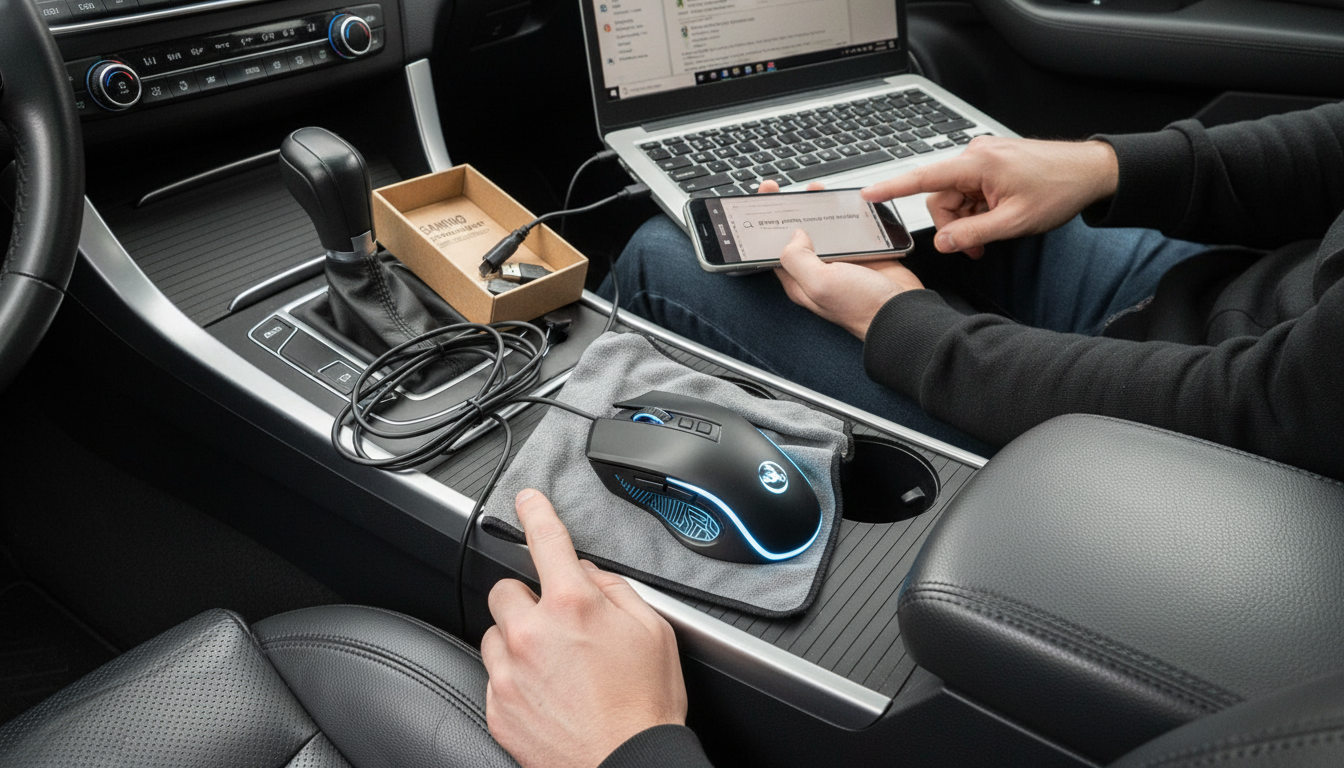
A wired gaming mouse usually stops working for a handful of practical reasons: a loose USB connection, a damaged cable, a driver or software conflict, insufficient power from a USB hub, or a hardware failure inside the mouse. The fastest way to pinpoint the cause is to test the mouse in a different USB port and on a different computer, then work through a few targeted checks.
Unplug the mouse, wait a few seconds, and plug it back in firmly. Try a different USB port—preferably a rear motherboard port on a desktop. If you’re using a USB hub, docking station, or keyboard passthrough, connect the mouse directly to the computer to rule out power or compatibility issues.
Look for kinks, fraying, or a bent USB plug. Gently wiggle the cable near the mouse housing and near the USB connector; if the mouse connects and disconnects intermittently, the cable may be failing. If the cable is detachable, reseat it on both ends.
Restart the computer first. Then open Device Manager and check for errors under “Mice and other pointing devices” or “Human Interface Devices.” Uninstall the mouse device and reboot to let Windows reinstall the driver automatically. If the mouse relies on brand software, close it, test the mouse, and then reinstall or update the software if needed.
Disable USB selective suspend or power-saving settings that can shut off USB devices. On laptops, test while plugged into power. Also confirm the mouse works in BIOS/UEFI or on the login screen—if it doesn’t, the issue is more likely hardware than software.
If the mouse fails on multiple devices and ports, the sensor, switch board, or cable may be damaged. At that point, warranty support or replacement is usually the most cost-effective fix.
For a deeper walkthrough and additional troubleshooting steps, visit https://splendyn.com/why-is-my-wired-gaming-mouse-not-working/.
This is often caused by a failing switch, conflicting mouse software/macros, or an accessibility setting like ClickLock. Test the mouse on another PC and try uninstalling any mouse software to see if clicks return.



Leave a comment