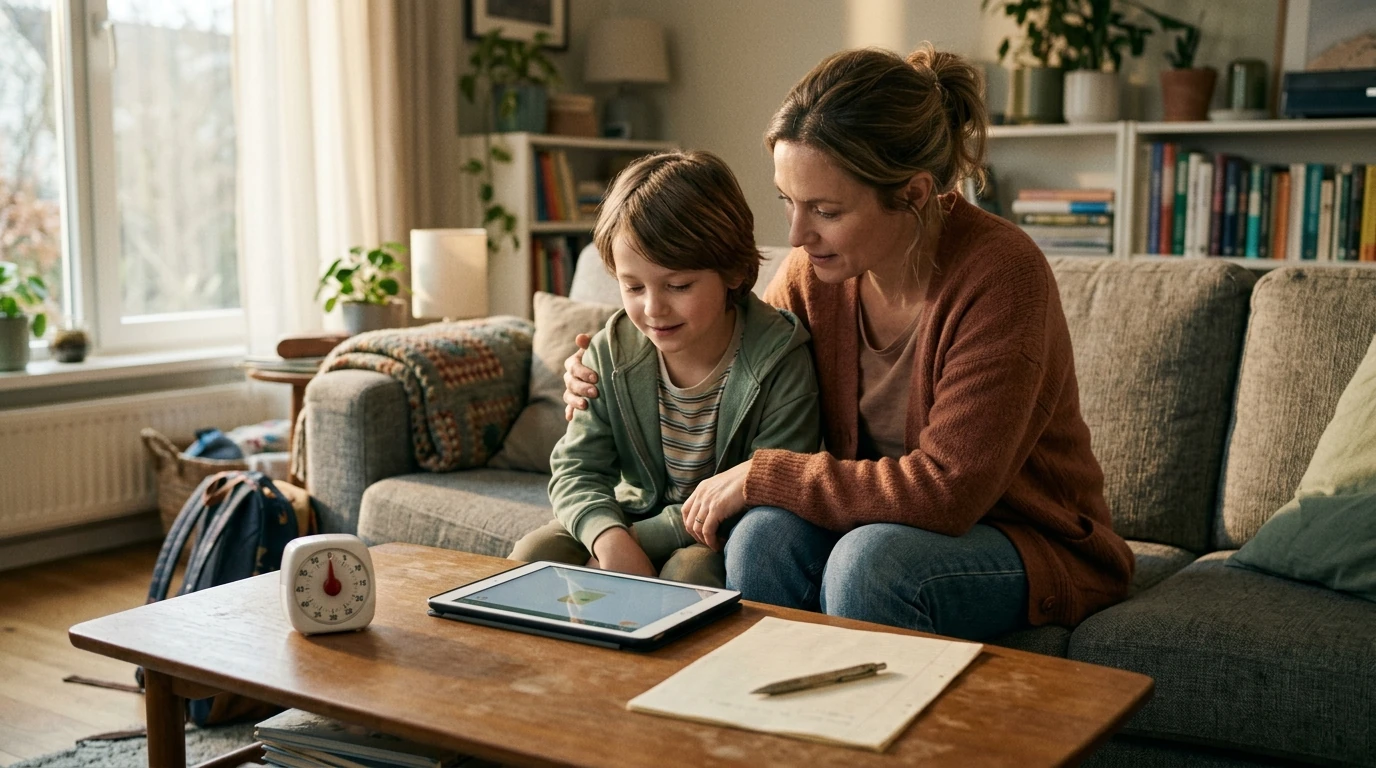
Screen time conflicts often escalate because kids feel controlled and parents feel ignored. A calmer approach focuses on connection first, clear expectations second, and consistent follow-through third—so limits feel fair, predictable, and easier to accept.
Screen time isn’t just “fun.” Many games and videos are built to keep attention locked in, so stopping can genuinely feel like losing something important. Add a rushed transition to homework or bedtime, and big emotions show up fast.
Before you set a limit, take one minute to regulate the moment. The goal isn’t to “win.” It’s to lower the emotional temperature so your child can hear you—and so you can follow through without escalating.
If you want a set of ready-to-use scripts and calm-limit routines to keep nearby, How to Talk to Kids About Screen Time Without the Drama (Printable eBook) is designed to make the “say it simply, then follow through” approach easier to repeat.
The best time to talk about screens is not when a show is ending. Choose a neutral moment and keep it short—think “family media meeting,” not a courtroom trial. Start with the non-negotiables that protect health and daily functioning (sleep, school responsibilities, meals, hygiene, and safety). The American Academy of Pediatrics’ Family Media Plan can help you think through what matters most for your household.
| Rule | What it means | How it’s enforced |
|---|---|---|
| Screens after responsibilities | Homework/chores/hygiene come first | Screens unlock after checklist is done |
| One warning for transitions | 5-minute heads-up before stopping | Timer + one reminder |
| Screen-free meals | Devices away during eating | Devices charge in a designated spot |
| Bedtime protection | No screens 30–60 minutes before sleep | Devices charge outside bedrooms |
| Respectful use | No yelling, sneaking, or unsafe content | Loss of privilege + reset conversation |
Some phrases accidentally invite debate. Others communicate leadership without shaming. Try “brief, clear, and boring”—kids argue less when the script doesn’t offer hooks.
For sleep-sensitive households, protecting the last hour of the day matters. The CDC’s guidance on healthy sleep habits for kids and teens can support your bedtime boundaries: CDC — Sleep and Sleep Disorders.
If staying steady is the hardest part (especially after a long workday), a deeper toolkit for emotional regulation and follow-through can help. Stay Calm Within Mindful Parenting System – 4-in-1 Bundle for Parents is built around practical strategies to reduce reactivity and keep limits consistent.
Treat it like coaching. Link screen habits to goals (sports, grades, mental health) and agree on guardrails for late-night use, especially around sleep and social media. The APA’s advisory is a helpful reference point: American Psychological Association — Health Advisory on Social Media Use in Adolescence.
Set the rules when everyone is calm, keep them few and clear, and write them down as a short agreement. Use timers for transitions, offer limited choices within the limit, and follow through consistently with proportional consequences.
Validate briefly, restate the boundary, give one choice, then act: “I know it’s hard to stop. The timer ended. You can turn it off or I will.” After things settle, do a short repair talk about what to try next time.
It depends on sleep, school responsibilities, behavior, and content quality—not just minutes. Use health anchors (especially sleep and mood), then adjust your family plan so screens fit after essentials are met.







Leave a comment