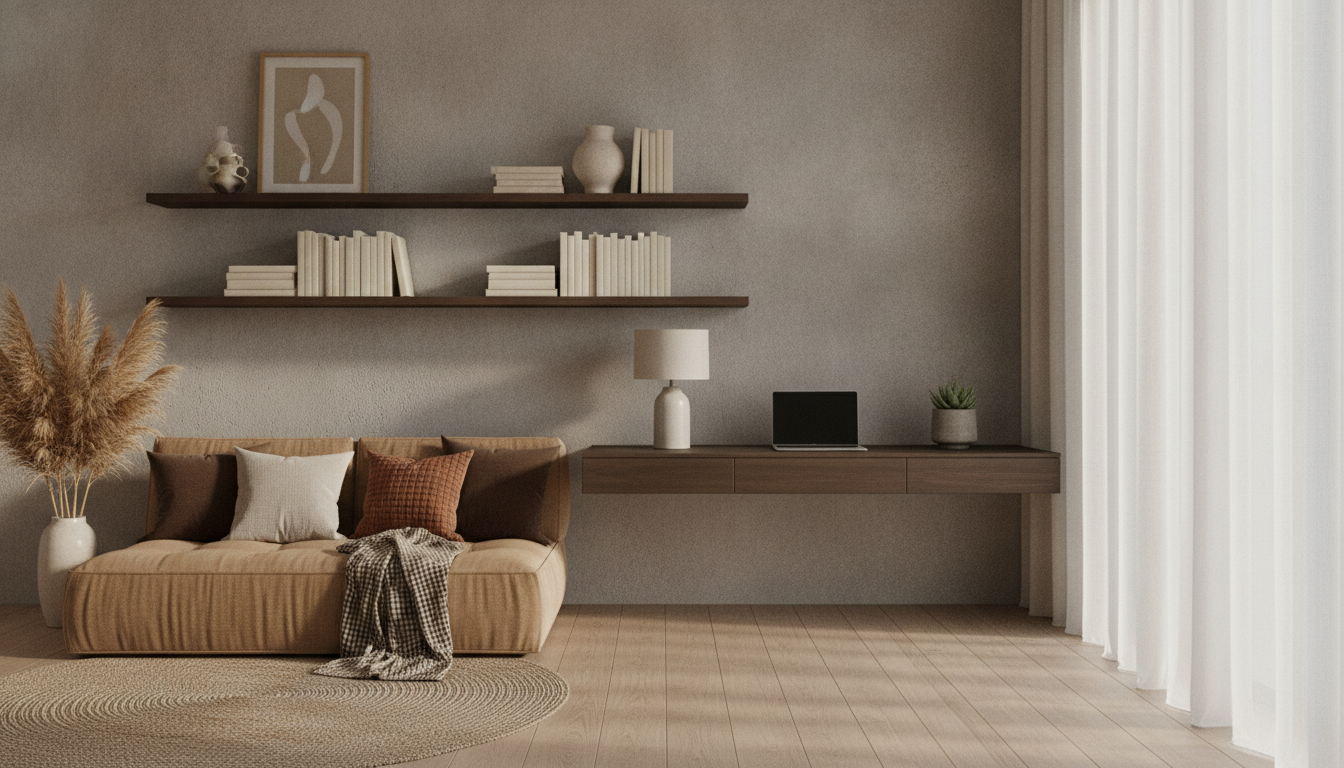
A home that supports focused work and genuine rest rarely happens by accident. Small, intentional design choices—layout, light, sound, boundaries, and routines—can reduce friction during the day and make evenings feel more restorative. The goal isn’t a picture-perfect setup; it’s a space that makes “on” and “off” feel distinct, even in a studio apartment or a shared room.
Before buying anything or rearranging furniture, identify your top 2–3 friction points. Common culprits include constant interruptions, clutter creep, uncomfortable seating, late-night laptop habits, or simply having no place to decompress.
Then define your two modes:
Pick one anchor spot for work and one anchor spot for recovery. Keeping each consistent reduces the mental cost of switching roles. Finally, add a boundary ritual: close the laptop, do a quick 2-minute reset (mug to sink, papers filed), and physically leave the work zone.
| Home Signal | Supports Focus When… | Supports Rest When… | Fast Upgrade |
|---|---|---|---|
| Lighting | Bright, even light reduces eye strain | Warm, dim light helps the brain wind down | Add a task lamp + switch bulbs to warm tones for evening |
| Sound | Consistent low noise masks disruptions | Quieter environment helps recovery | Use a fan/white noise for work; quiet hours after dinner |
| Surfaces | Clear desk limits visual distraction | Clear coffee table reduces stress cues | One tray/basket per zone for quick resets |
| Seating | Supportive posture improves stamina | Comfort encourages relaxation | Use a lumbar cushion for work + throw blanket for off mode |
| Scent | Neutral or light scent keeps attention steady | Calming scent supports bedtime routines | Keep one “work-safe” and one “evening” option |
Open floor plans and multipurpose rooms can still feel organized with “soft boundaries.” A rug under the desk, a folding screen, a bookcase, or even a line of plants can create separation without construction.
If you want a structured way to apply these changes room-by-room, Home Harmony: Designing Your Space for Work-Life Balance (printable digital guide) is built around quick audits, checklists, and simple reset routines that make the setup easier to maintain.
A tiny transition habit can also help separate “work brain” from “home brain.” If movement breaks are hard to remember, a simple prompt system like the Home Cardio Blast Checklist can turn the in-between moments (midday slump, post-meeting fog, end-of-day shutdown) into quick reset opportunities.
For a ready-to-use version, Home Harmony: Designing Your Space for Work-Life Balance (printable digital guide) focuses on practical routines and simple layout choices that support calm, consistent work-life separation.
Use zoning: keep a consistent work corner, add a visual boundary like a rug or screen, and follow a shutdown routine that puts work items out of sight. When work is contained to one footprint, the rest of your home feels more genuinely “off-duty.”
Prioritize supportive seating, screen height near eye level, good lighting with minimal glare, and a tidy surface with only daily essentials within reach. Small ergonomic improvements often reduce fatigue faster than a full makeover.
Create an end-of-day ritual, move to a different seat or zone, and switch to warmer, dimmer lighting. Avoid charging or storing your work laptop in rest areas so your off-hours don’t come with constant work cues.






Leave a comment